

Workspaces
Remotely access a device with Flexxible Assist
Connect remotely and securely to servers and other devices on the network
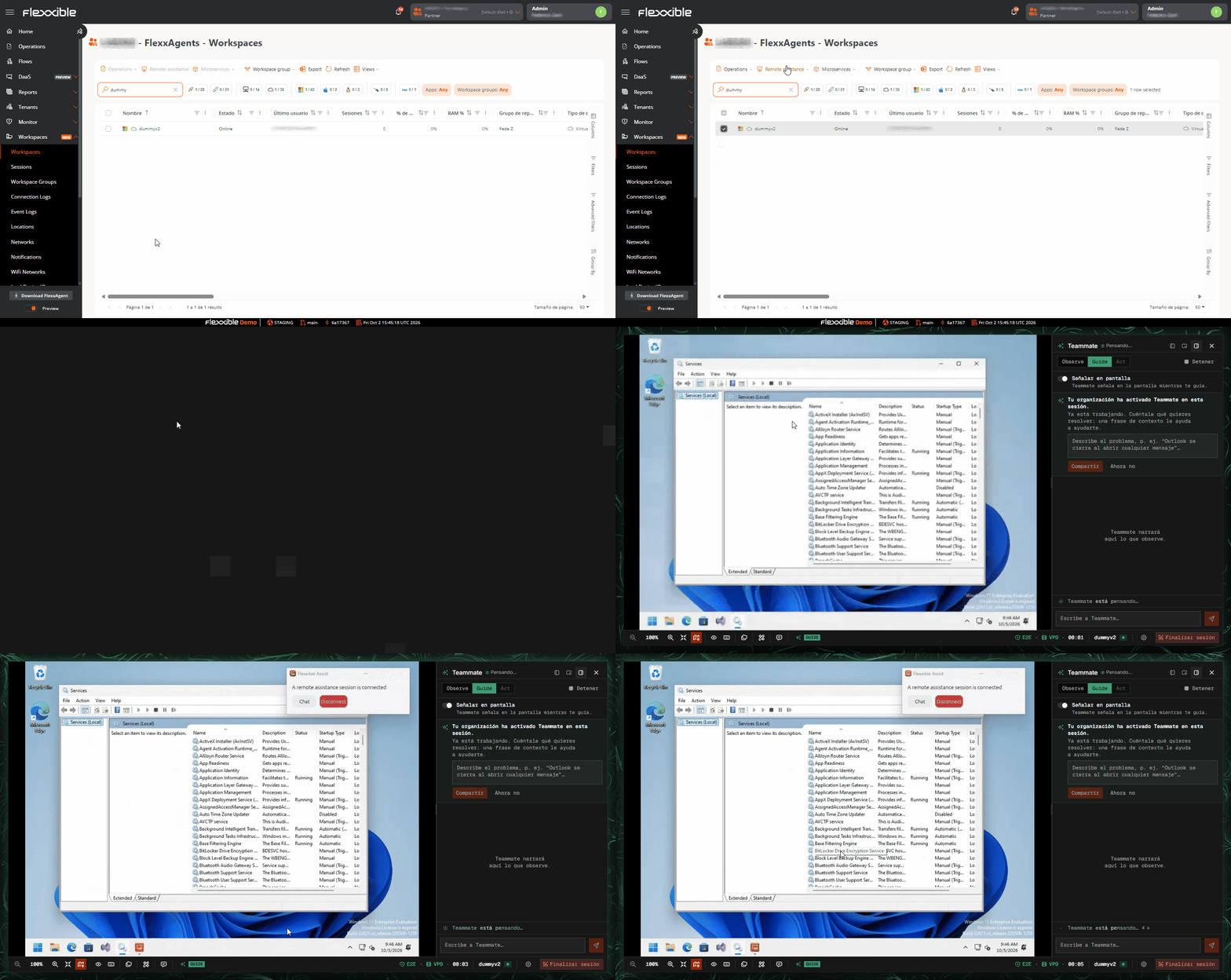
Any device that is powered on and has unattended remote assistance mode enabled can be accessed remotely through Flexxible Assist. Simply select the device you want to access from the Workspaces view and launch an unattended remote assistance session using the button in the top bar: