

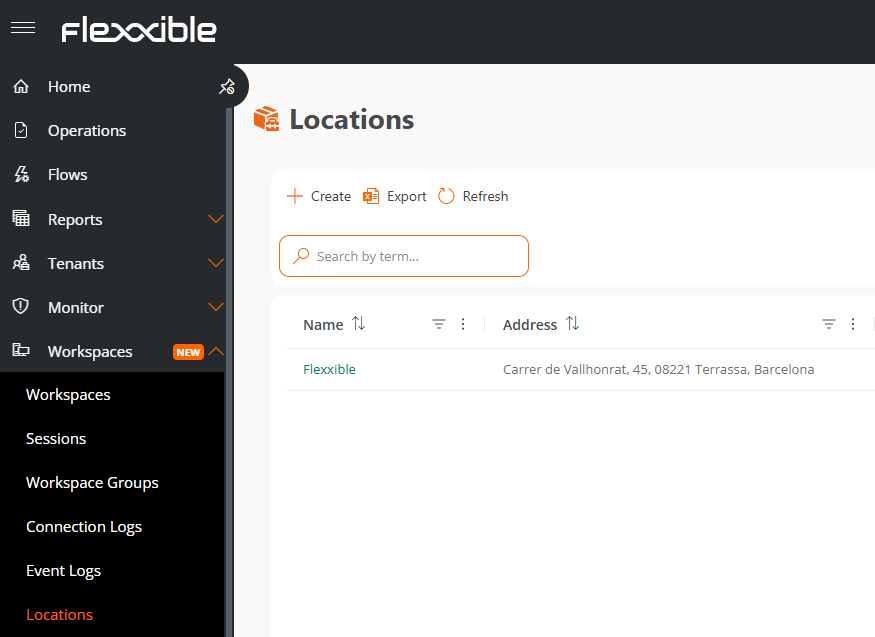
Create a location
- Go to Workspaces → Locations.
- Click Create.
- Fill in the form fields:
- Name. Name that will identify the location.
- Address. Postal address of the location.
- Latitude and Longitude. Geographic coordinates that determine its position on the map.
- Click Save.
Link networks to the location (optional)
To associate the location with the networks detected by FlexxAgent:- Go to the location’s detail view.
- Select the Networks tab.
- Click Link.
- Select the networks you want to associate.
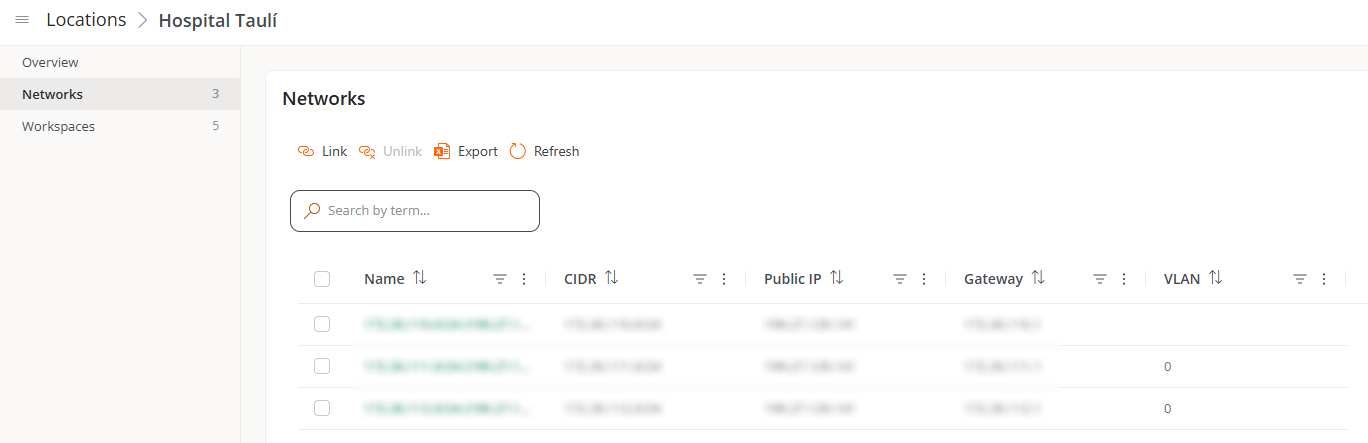
You can only link networks that have already been detected by FlexxAgent with a minimum of 5 devices.
Result
Once the location is created and configured, you can:- View the devices connected to its linked networks, from the Workspaces tab.
- See its position on the map and edit its general data from the Overview tab.