

- Pop-up messages
- Notifications
Notifications
Notifications are designed for critical situations, such as service outages, in which other corporate channels might not be available. Their goal is to ensure that the message reaches users as soon as possible, reducing the risk of overwhelming the support team with simultaneous requests. Notifications have many additional features, aimed at maintaining effective communications and protecting the information transmitted to users. While on screen, notifications reserve that space so that the user can no longer occupy it with their applications. This mechanism ensures that the user has the message visible.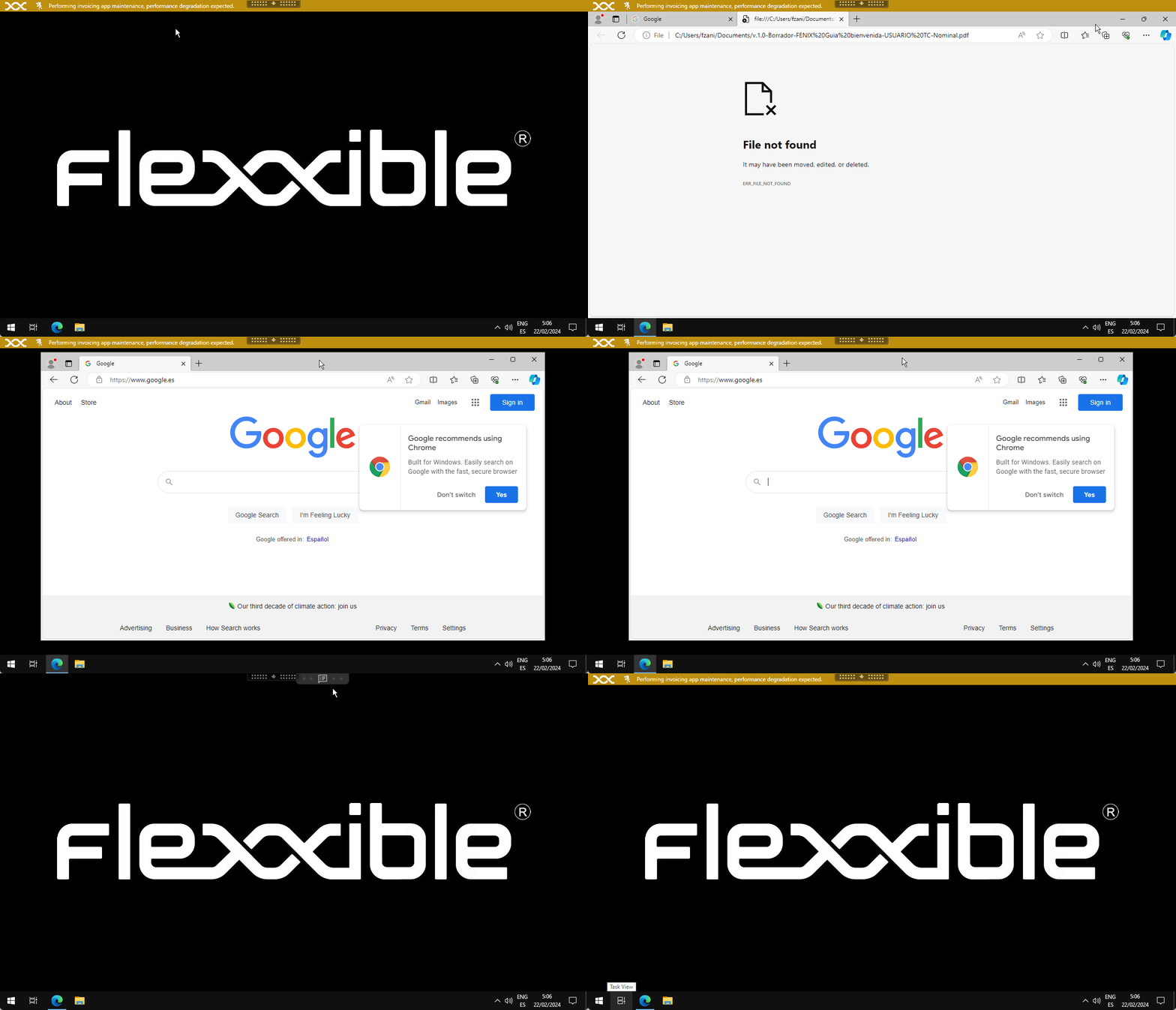
Send notifications
From the Sessions or Workspaces view:- Select the items (sessions or devices) to send the notification to
- From the Operations menu, select the notification operation:
Configurable parameters:
Once launched, you can monitor its result in Operations
The user will receive a pop-up window with the content of the message: