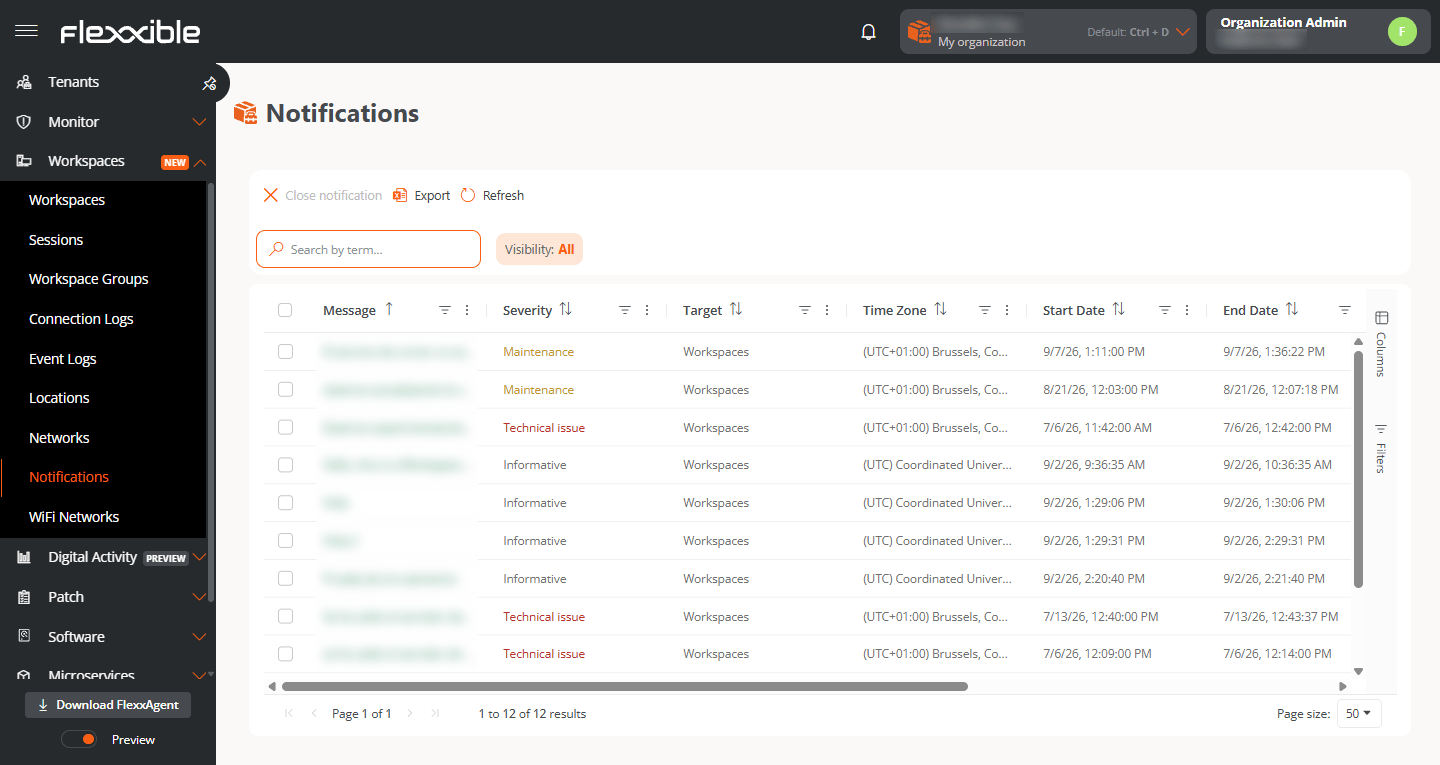
This view lets you check the notifications generated in the organization, filter them by status, and close active notifications as needed. To do so, the options at the top of the table let you filter notifications by type or, after selecting one or more active notifications, close them.
Notifications are a powerful tool for communicating with users directly, securely, and effectively. Given their versatility, they are especially useful in service disruption scenarios, since they allow you to keep communicating with users effectively, even when the company’s communication infrastructure and tools are not working.
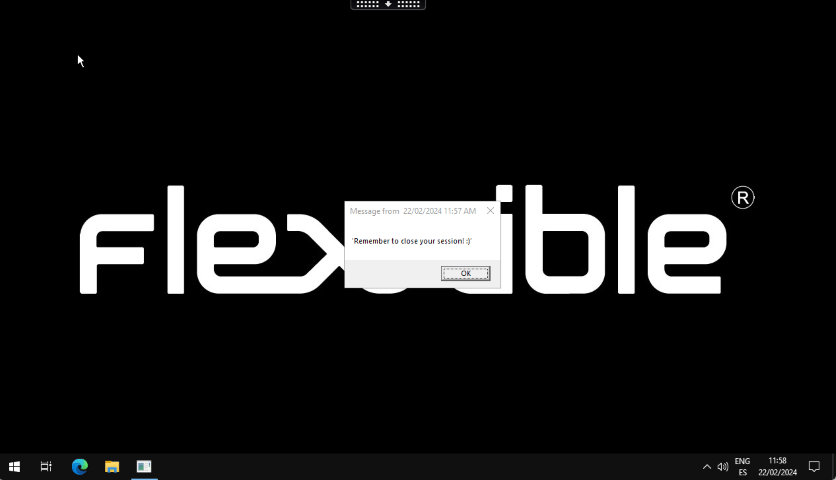
They show the user a window that appears over the interface and can be closed with a single click. They are useful for communicating brief or one-off information without permanently interrupting work.The user in the session will receive the message through a pop-up window.This type of notification is based on Windows system tools. If all devices or sessions are selected and a pop-up message is sent, it will only reach users who are working (in session) at that moment. If a user signs in to their session after the message was received, it will not be visible.On Windows, the pop-up message will remain visible until the user closes it or the session reaches a maximum of three days of activity. Time does not count while the session is locked or disconnected.
On Windows, the pop-up message will remain visible until the user closes it or the session reaches a maximum of three days of activity. Time does not count while the session is locked or disconnected.
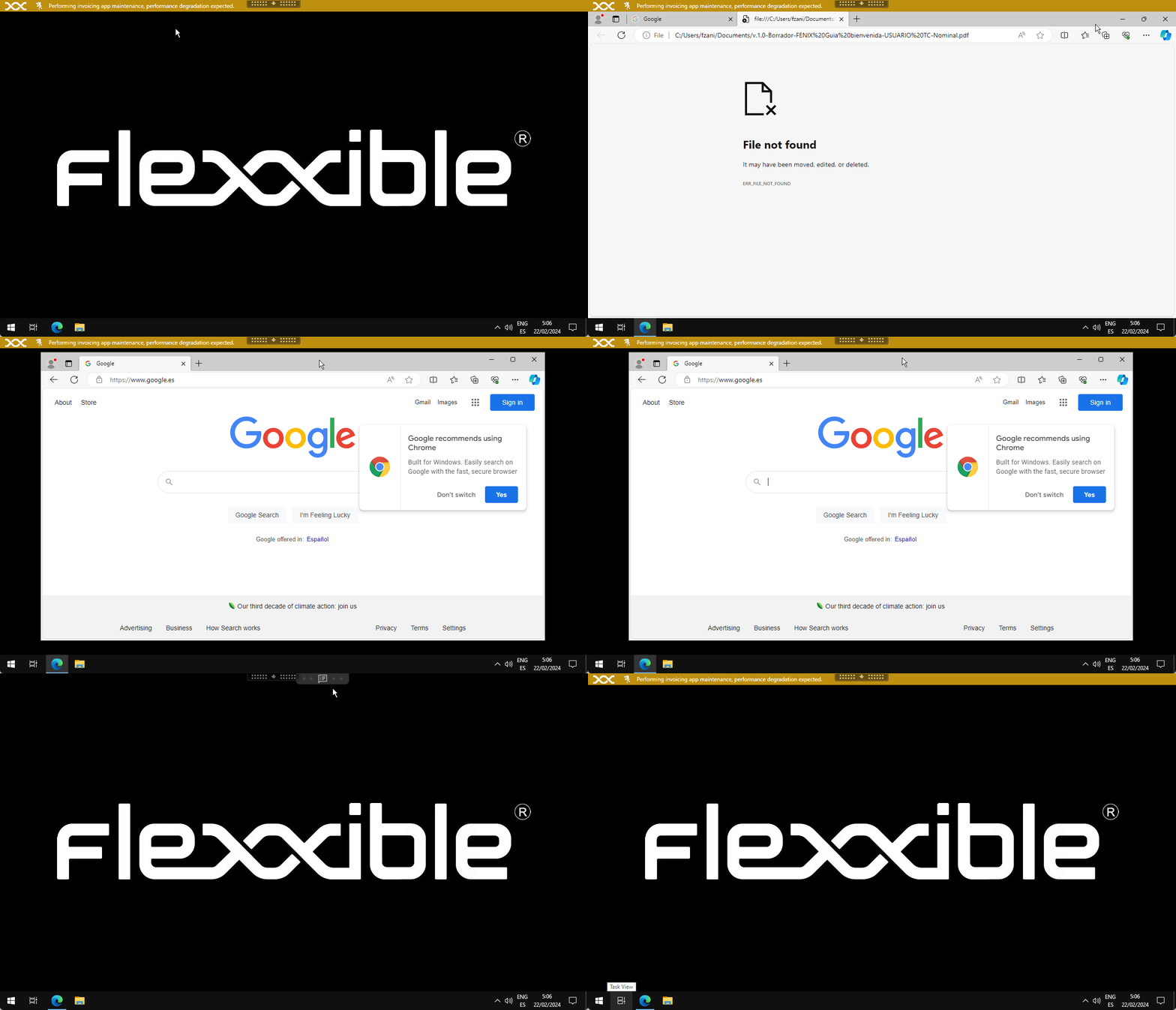
Notifications are designed for critical situations, such as service outages, in which other corporate channels might not be available. Their goal is to ensure that the message reaches users as soon as possible, reducing the risk of overwhelming the support team with simultaneous requests.Notifications have many additional features, aimed at maintaining effective communications and protecting the information transmitted to users.While on screen, notifications reserve that space so that the user can no longer occupy it with their applications. This mechanism ensures that the user has the message visible.Notifications can be configured by time intervals, so that all active and future sessions receive the notification during the defined period.
⌘I
Assistant
Responses are generated using AI and may contain mistakes.