

Validation isn’t an approval workflow. Edits are still immediate, anyone can keep editing the page and agents read all pages, whether validated or not.
Turn on validation
1
Turn on the feature in the organization
An owner or administrator turns on Page validation in Settings → Validation.
2
Turn it on for a page
In the page’s More (···) menu, select Turn on validation. You become the validator of that page and of the pages inside it.
Page statuses
With validation turned on, the page shows its status on the right, under Validation: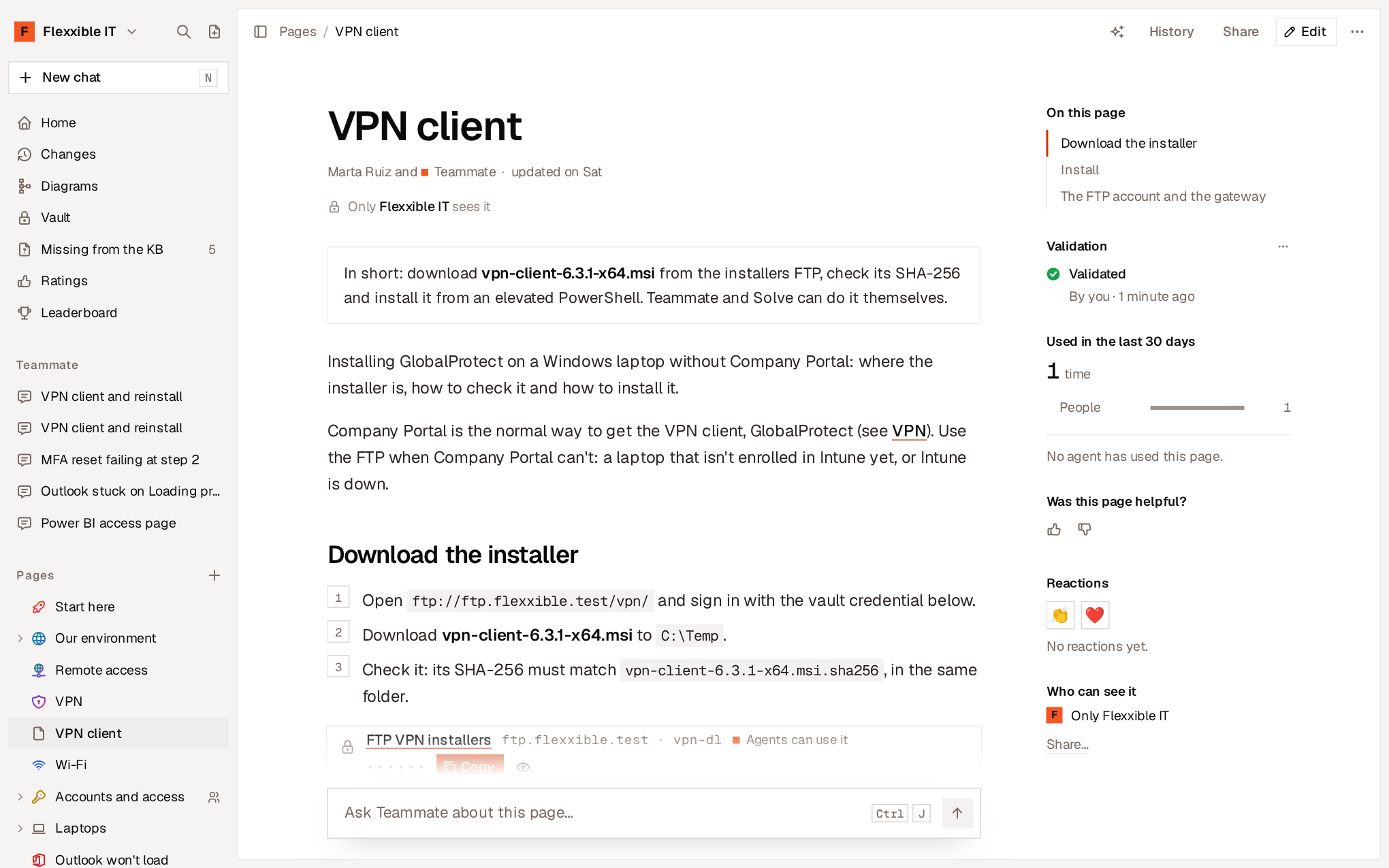
Validate a page
The validator opens the page, reviews it and selects Validate (or Validate this version in the More menu). What the page says at that moment is marked as checked.- If the page has changed since the last validation, View changes shows exactly what has changed since the validated version, so you only review that.
- If the page changes while the validator is reading it, the validation isn’t applied and they’re notified.
- A page is validated as written, not in a translation. If you’re reading it translated, View original to validate goes back to the original.
- Only people validate. An agent can’t validate a page.
Request a review
Anyone who edits a page with validation can select Mark as ready for review to ask the validator to review the current version. Agents with write permission can also mark a page as ready for review.What happens when the page changes
- If another person or an agent changes it, the page moves to Changed since validation.
- If the validator changes it, it stays validated.
- If someone undoes the change or restores the validated version, the page goes back to Validated: what matters is that the content matches what was checked.
- If the page shows a diagram and the diagram changes, the page also stops being validated.
Change validator
In the page’s More menu:- Hand over validation… lets the validator pass the responsibility to another person.
- Change validator… lets an owner or administrator assign another validator.
- Turn off validation turns it off for that page. Validations and their trail are kept for when it’s turned on again.