

Comment
You can comment both when reading a page and when editing it:- Select the text you want to comment on. To comment on a whole block, such as an image, a diagram, a table, a code block or a credential, place yourself on it.
- Select Comment in the bar that appears, or press
Ctrl+Alt+M(⌘+⌥+Mon Mac). - Type the comment and select Comment.
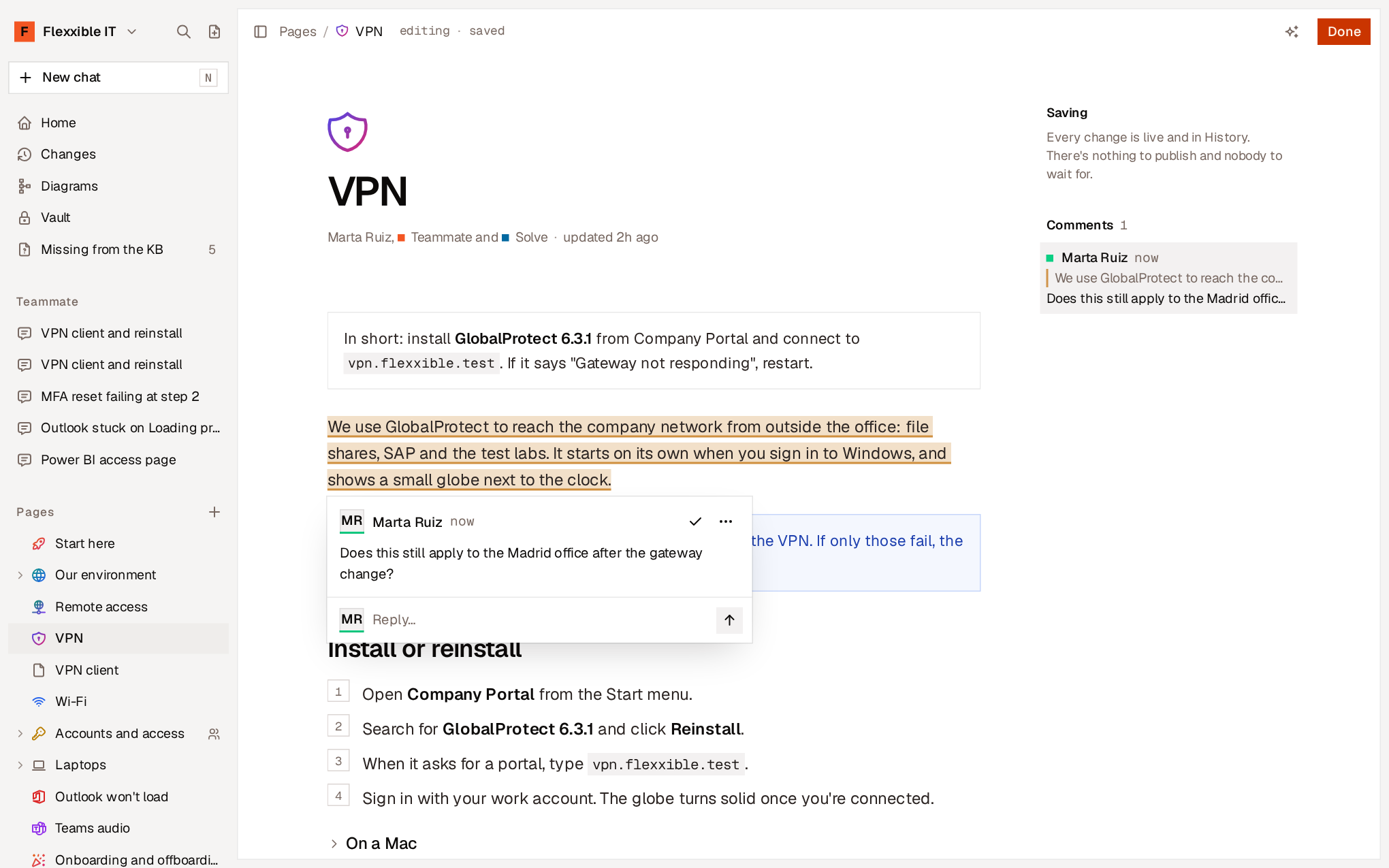
Reply and resolve
Each comment opens a thread:- Reply… adds a reply to the thread.
- Resolve closes the thread when the matter is settled. The notice includes Undo.
- Reopen opens a resolved thread again. To reply to a resolved thread, reopen it first.