

? key shows this same list.
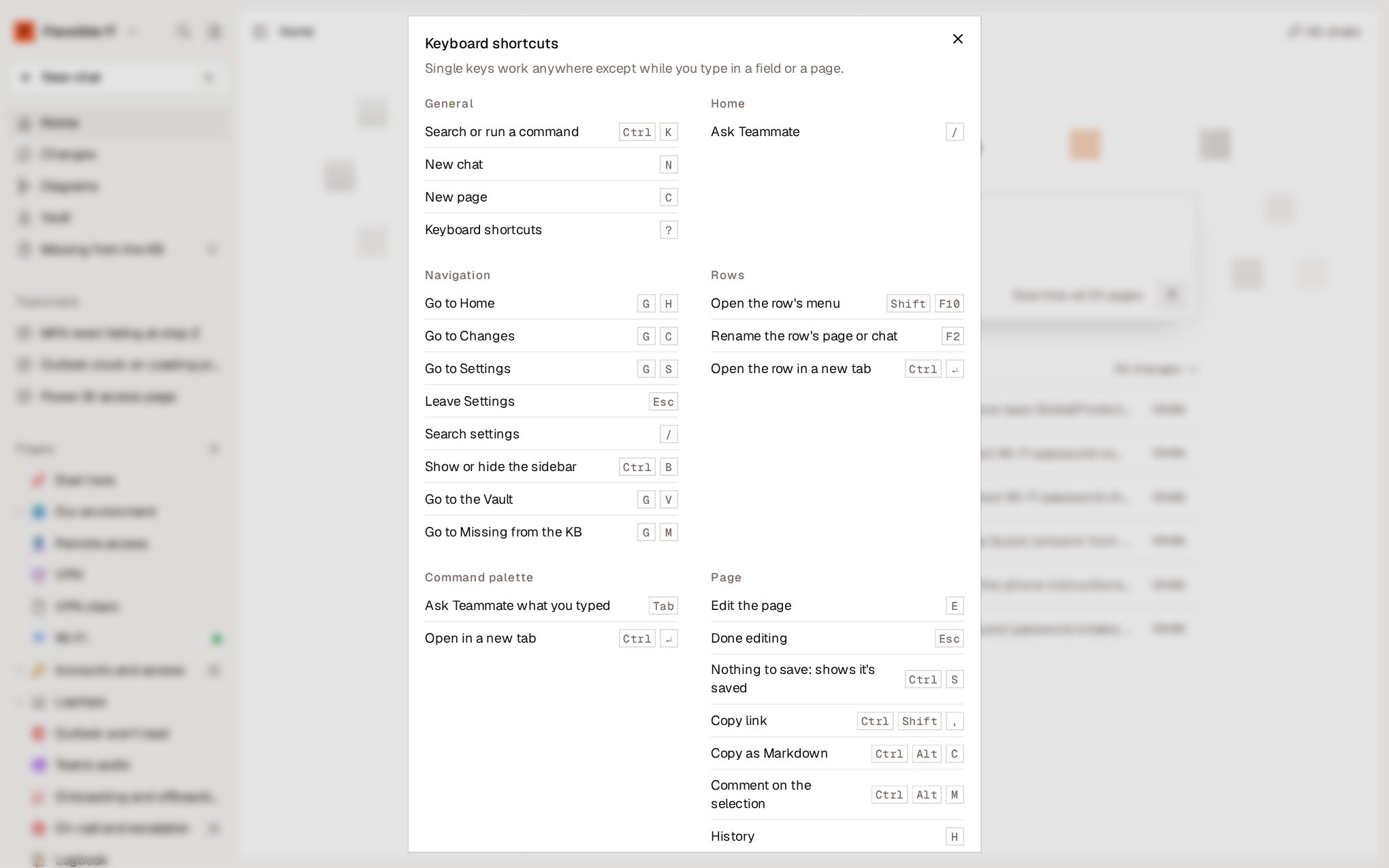
On Mac, use
⌘ instead of Ctrl and ⌥ instead of Alt. Single keys, such as E or C, work anywhere except while you’re typing in a field or on a page.General
Navigation
PressG and then the second key.
Command palette
Page
You don’t need
Ctrl + S: every change is already saved. If you press it, the page confirms this.
Editor
Teammate
Pages in the sidebar
Page shortcuts (History, Move to…, Copy link and Copy as Markdown) also work on the page in the row that has focus.