

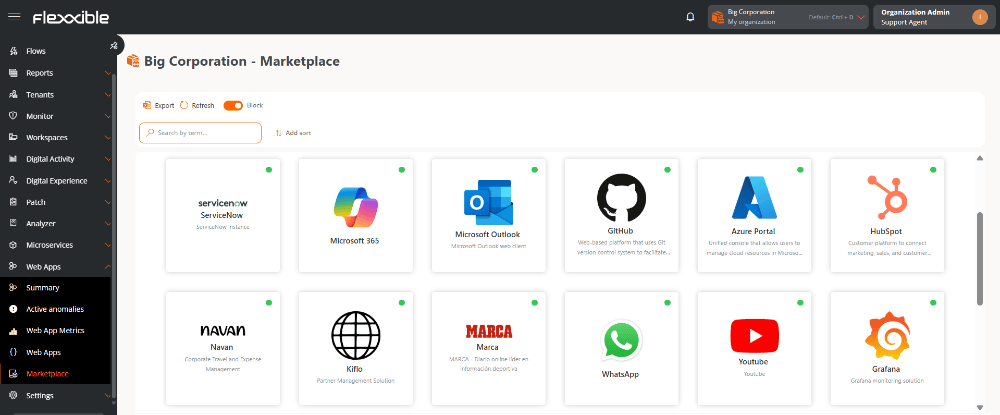
Web applications list
Applications can be displayed in list or block format. The status is indicated by a color dot:- Green: application enabled in the organization.
- Gray: application disabled in the organization.
Verify whether an application has already been added
To check whether an application is already part of the organization’s list, you can use the following options:- Select the application and open its details view:
- If only general data is shown, the application has not yet been added to the organization.
- If configuration and metrics tabs are shown, the application has already been added.
- Search for the application directly in the organization’s web applications list.
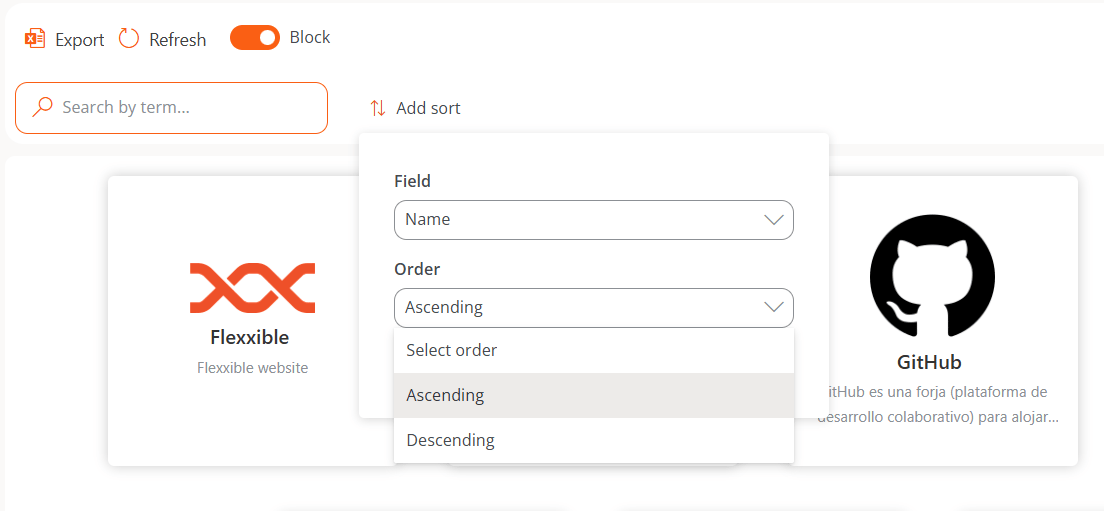
Sorting
The order of the items can be modified using the Add sorting button by selecting:- Field
- Order
Details view
If the web application has not yet been added to the organization’s list, only its general data will be shown:- Name
- Description
- URL
- Logo