Targets
This panel shows the percentage of reporting groups in the organization without a defined patch policy, as well as the percentage of targets without a configured schedule. When reporting groups without an associated patch policy or targets without a configured schedule are detected, a warning notice is shown (in orange); and when the cause of the notice is resolved, an informational notice is shown (in blue).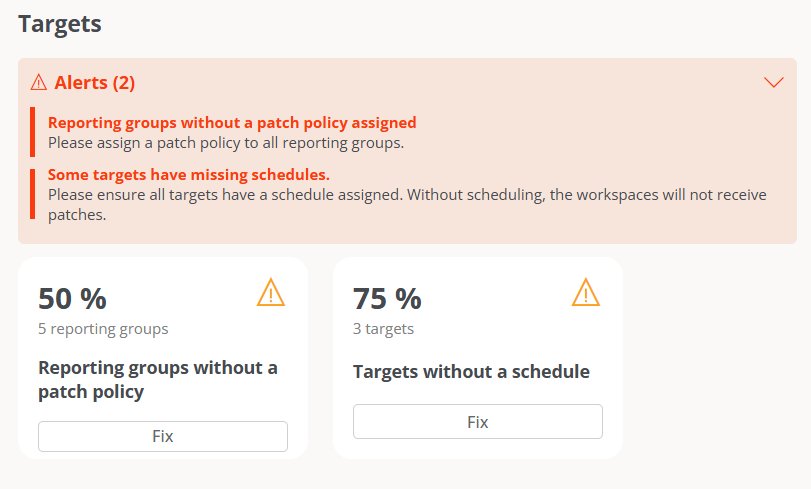
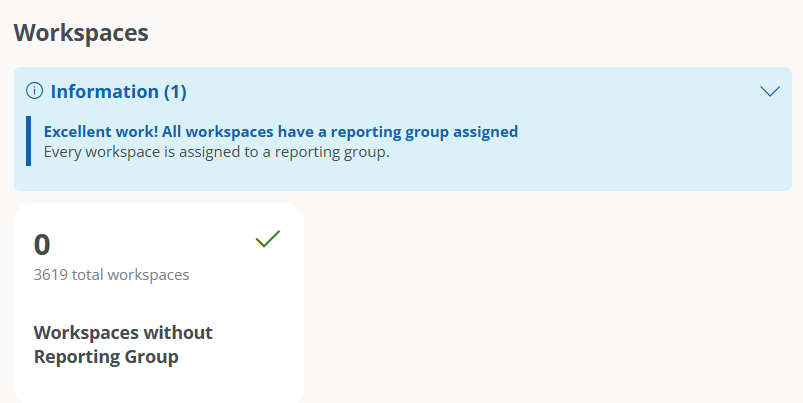
Workspaces
This panel reports on the organization’s devices without an assigned reporting group. When FlexxAgent detects this type of device, a warning notice is shown (in orange); and when all devices have an assigned reporting group, it is indicated through an informational notice (in blue).