

The three entry points
Using several entry points at once
The entry points can be active simultaneously or used separately. Using one doesn’t require enabling the others. For example, you can start with just Assist Chatbot and add the ITSM later, or receive tickets from the ITSM without using the Chatbot. Whatever the entry point, Solve orchestrates the case: it performs triage and coordinates its handling and routing. Assist Chatbot can also help the employee directly, without waiting for triage or depending on the ticket category.ITSM integration
Connecting an ITSM is optional, both during the trial and in production. If you connect one, the integration works in both directions:
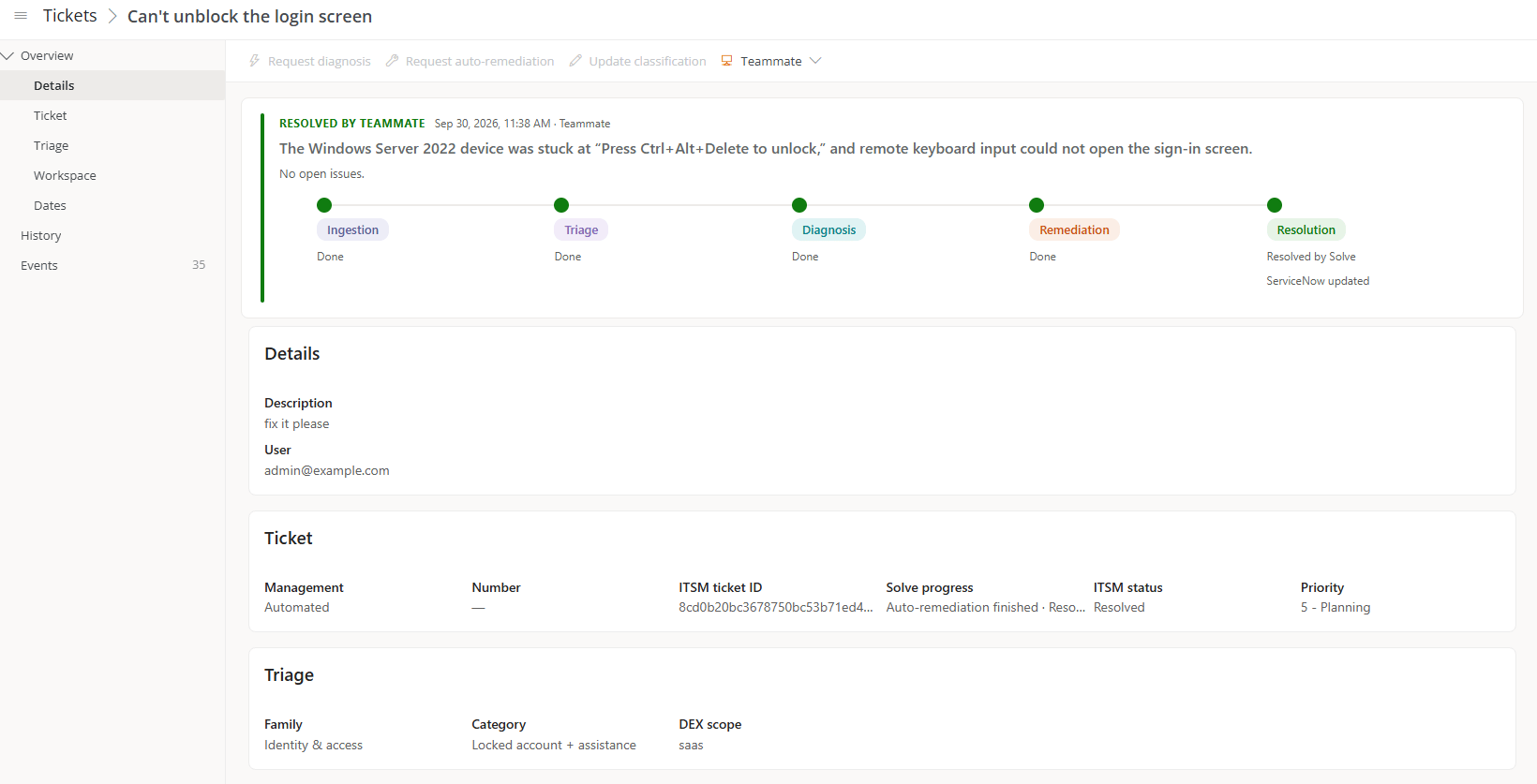
This way, Solve’s work is recorded in the tool your Service Desk already uses. Whoever opens the ticket finds what has been done and can continue from there.
MCP server
The MCP server lets you register tickets in Solve from connected AI tools. This way, those tools become one more case entry point. Within the access they’re authorized for, connected tools can also query or aggregate data.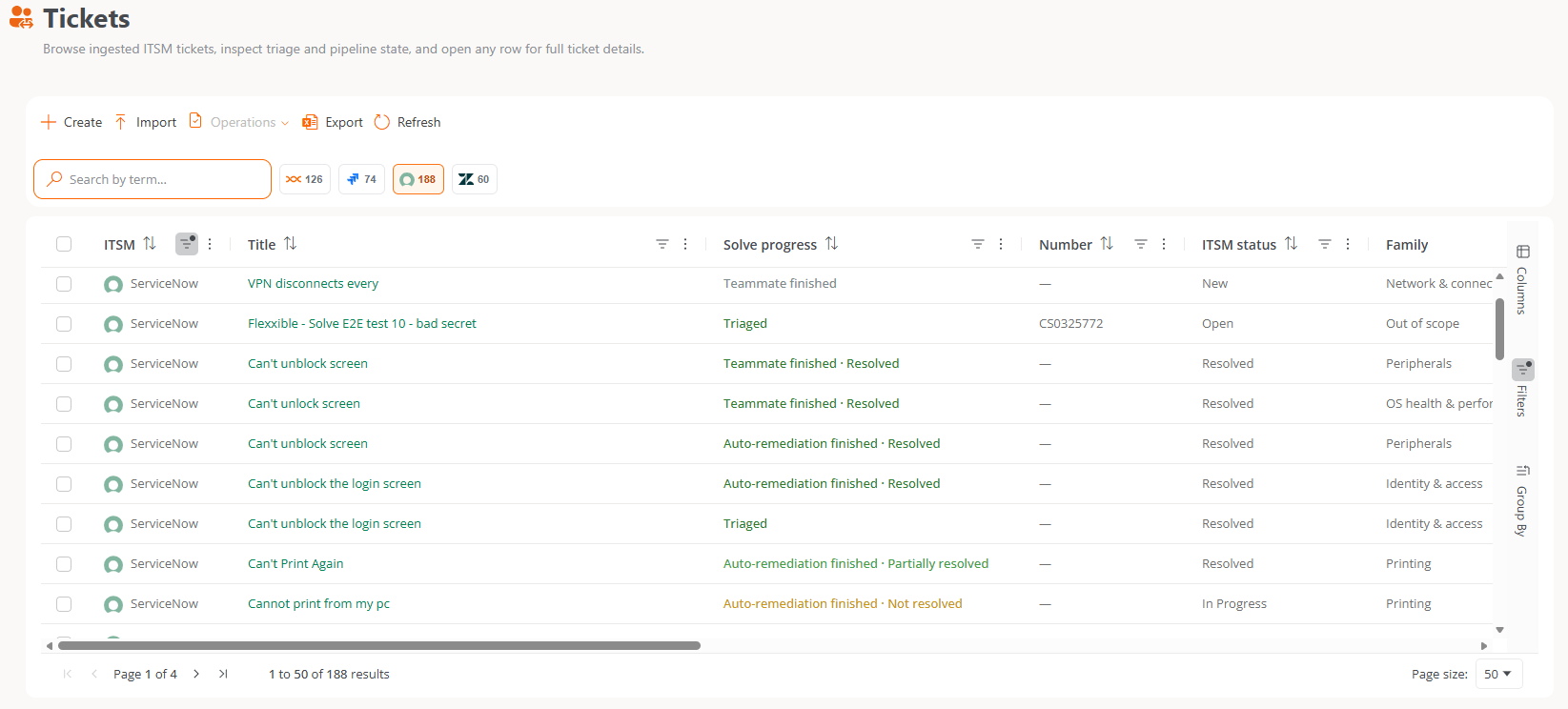
What happens after entry
For cases that come in through Assist Chatbot, the Chatbot can help the employee without waiting for this process.- Triage. Solve classifies the ticket into a category and determines how it’s handled.
- Handling. Solve coordinates diagnosis, repair, or an engineer’s intervention based on the category and the configured policies.
- Continuity. The information generated while handling the case lets you continue it with context.