

- Access the template directly via Citrix.
- Make changes (for example, install new applications).
- Shut down the template.
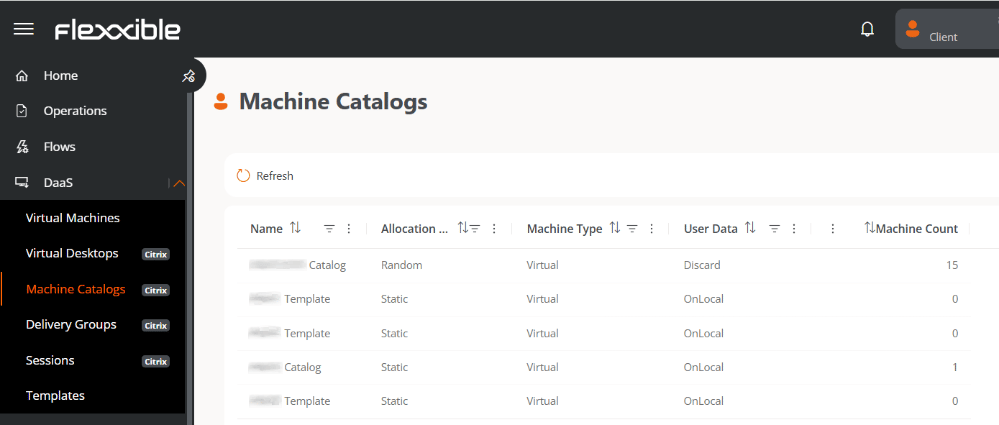
In addition to the catalogs used for provisioning desktops to end users, there is a separate catalog for each template, aimed at simplifying its maintenance and updating.
Table information
- Name. Catalog name.
- Allocation type. Random or Static.
- Machine type. In DaaS, the machine type is virtual.
- User data. Onlocal (persistent data) or Discard (non-persistent data).
- Machine count. Total number of machines in the catalog.