

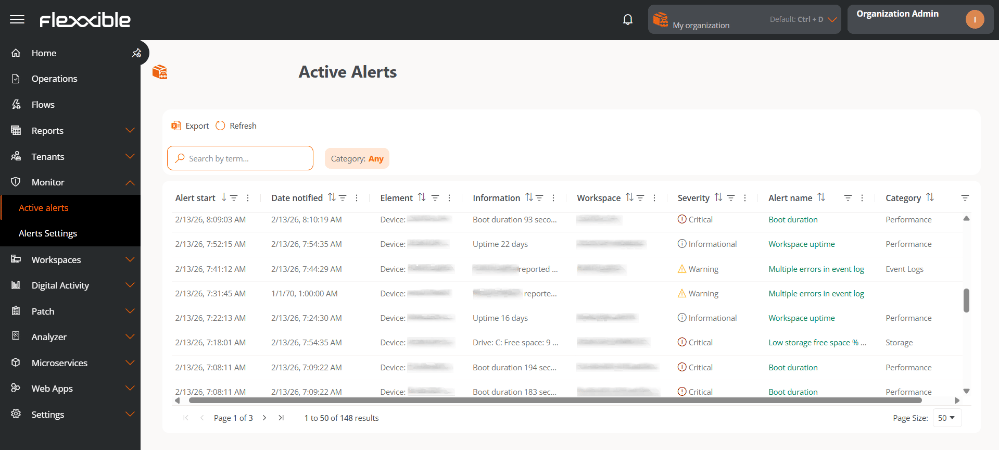
- Start date. Day and time the alert is recorded.
- Notification date. Day and time of the alert notification.
- Item. Name of the device on which the alert is recorded.
- Information. Description of the alert.
- Workspace. Type of device on which the alert is recorded.
- Severity. Level of impact of the alert on the system.
- Alert name. Name assigned to the alert.
- Category. Alert classification.
From this view, client-type organizations (tenants) can also view the alerts generated on the devices of their sub-organizations.