- Be viewed directly on screen.
- Be saved for later use.
- Be scheduled for automatic email delivery.
- Be viewed from the Reports section.
Create a report
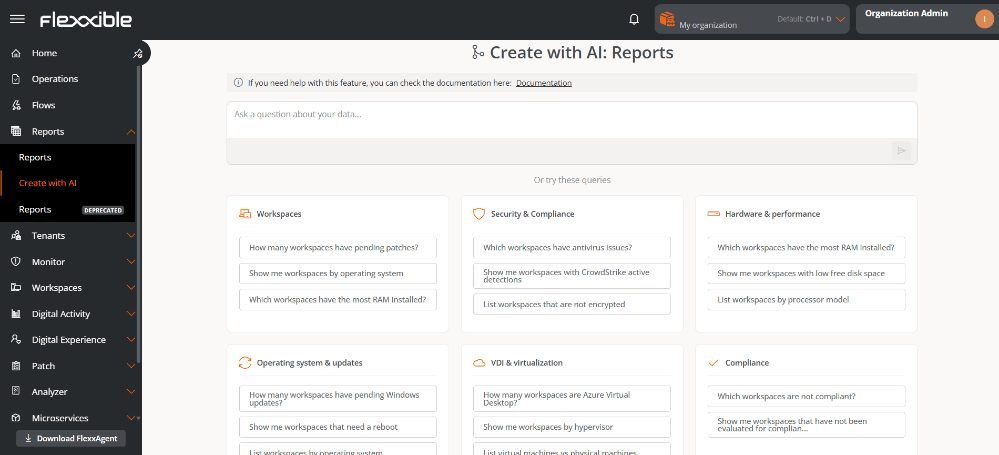
To create a report with AI:- Go to Reports → Create with AI.
- In the central panel, type the request in natural language (maximum 400 characters). The Or try these queries section provides examples organized by categories.
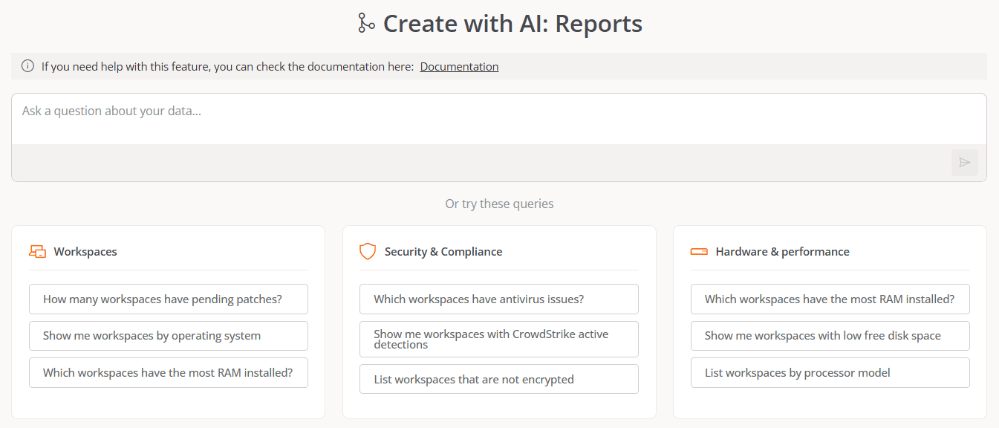
- Click the arrow in the orange box to start the process.
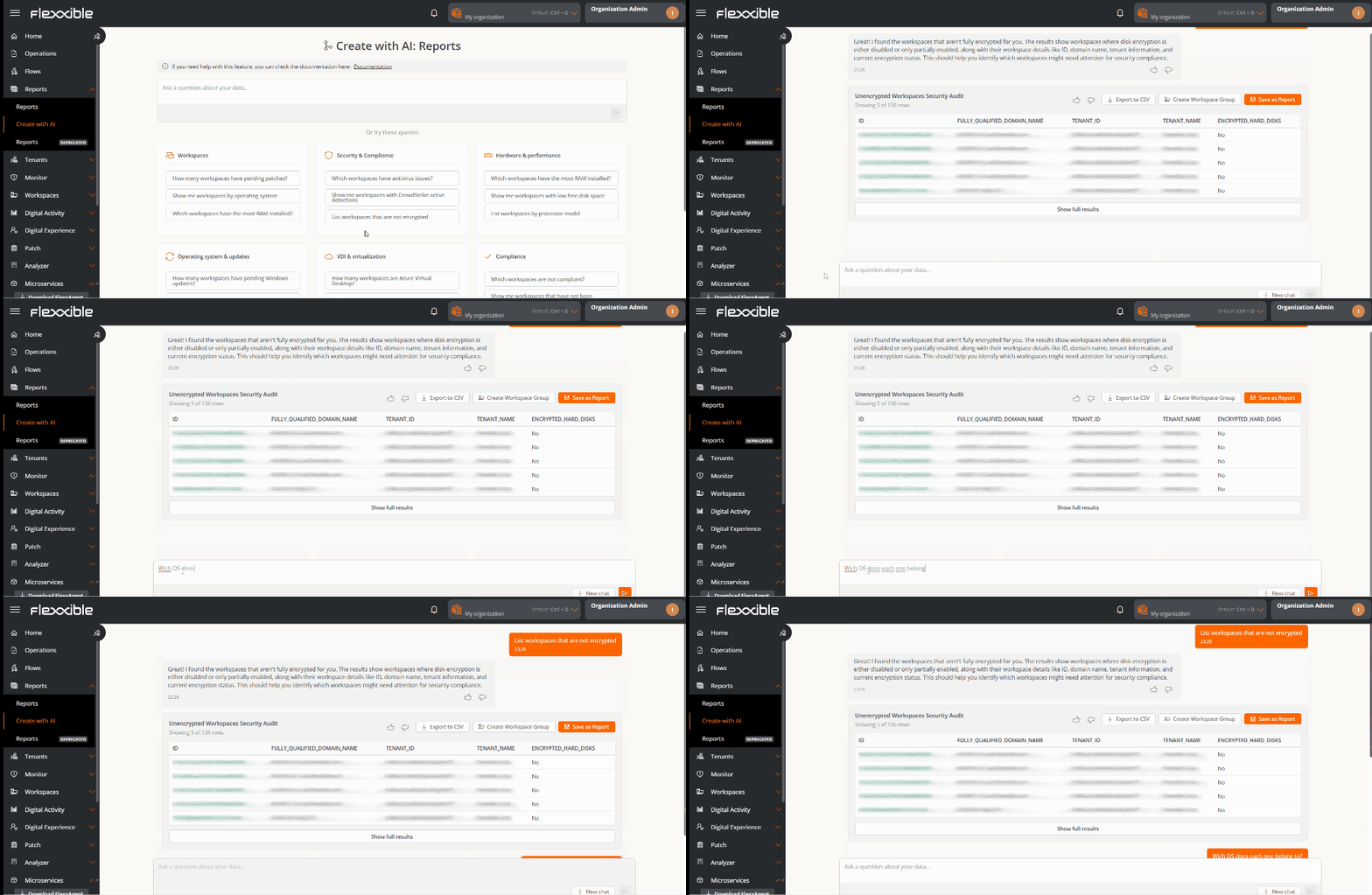
- After a few seconds, the system generates a preview of the report so you can see if the returned data matches what you expected.
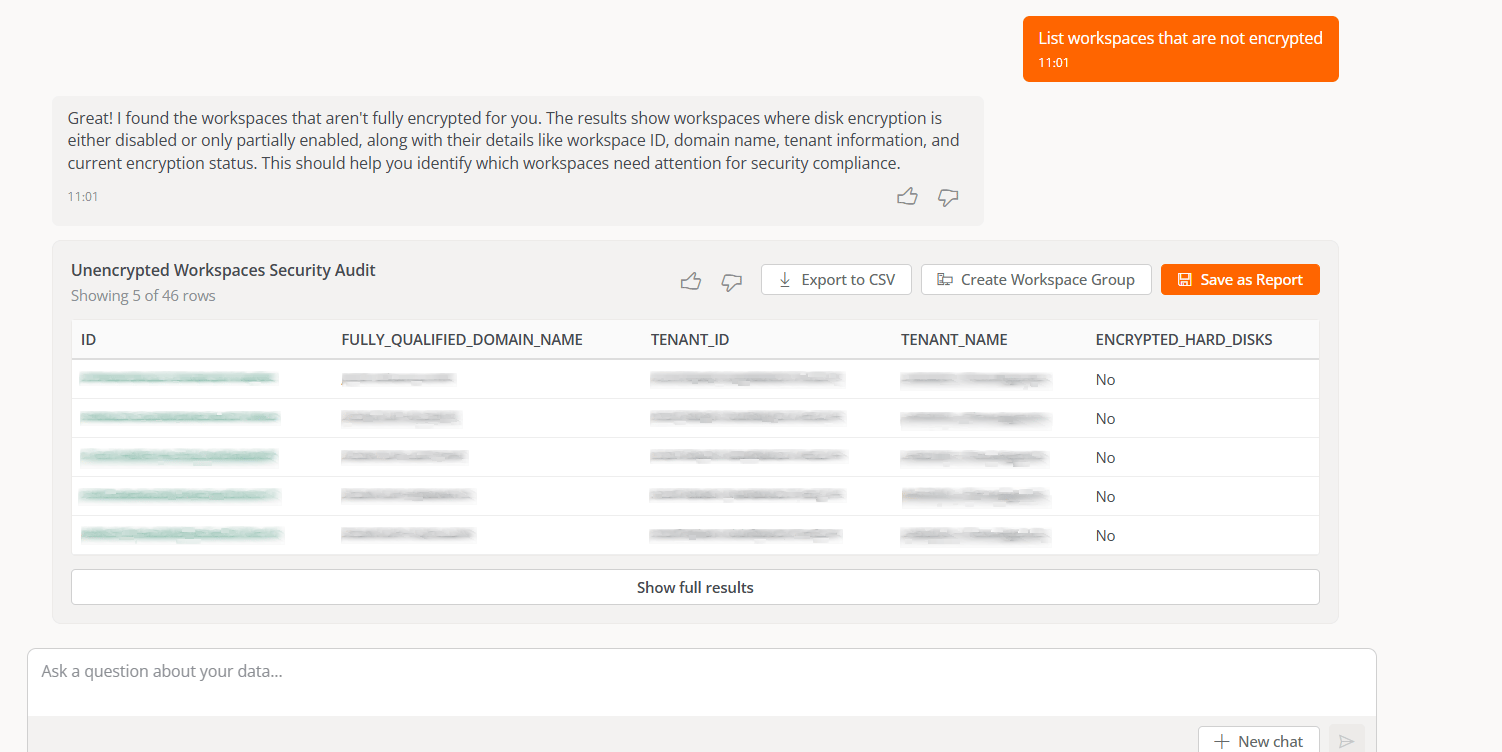
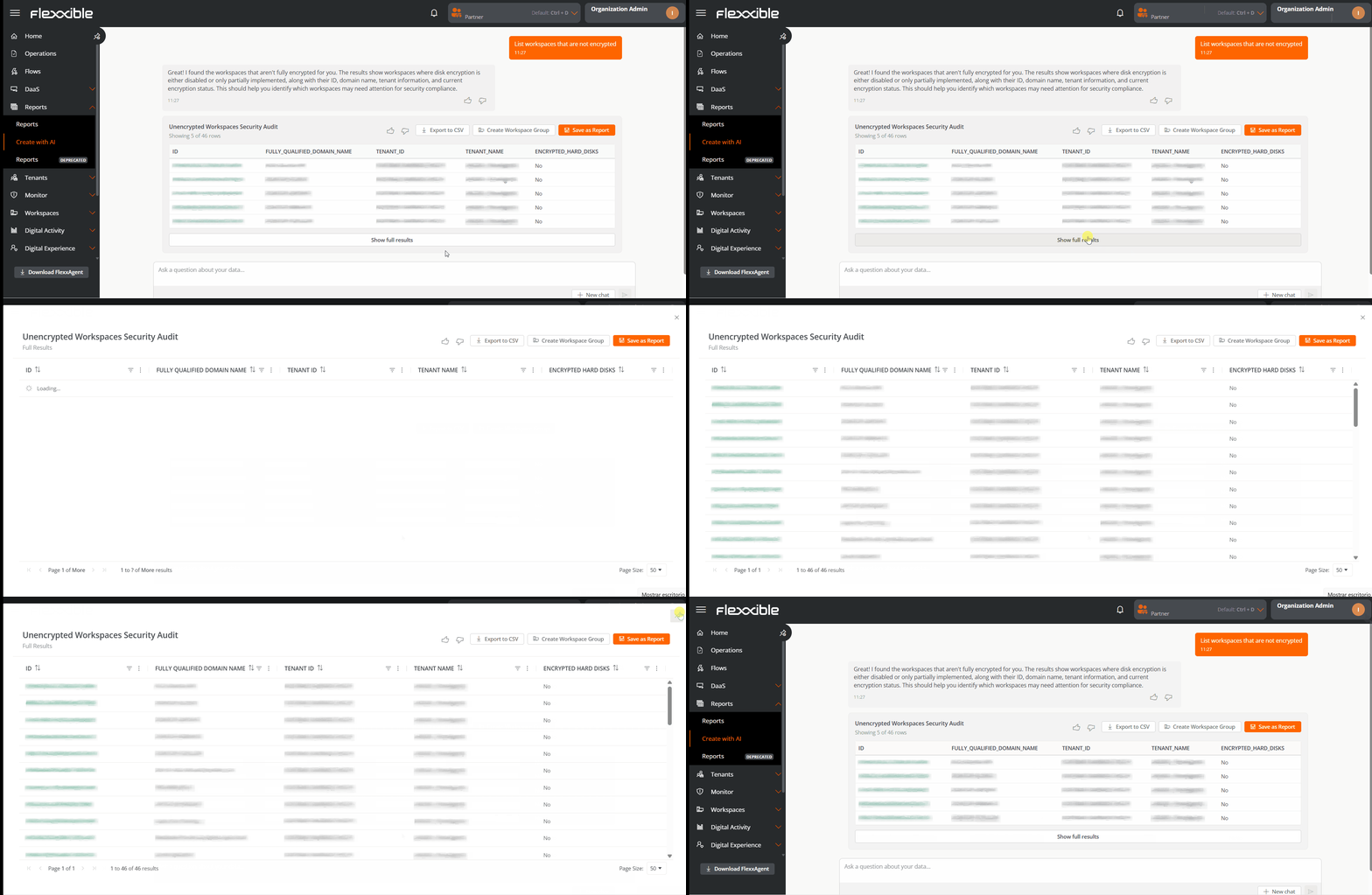
- If you want to iterate on the query, you can select the Ask a question about your data option.
Save the result
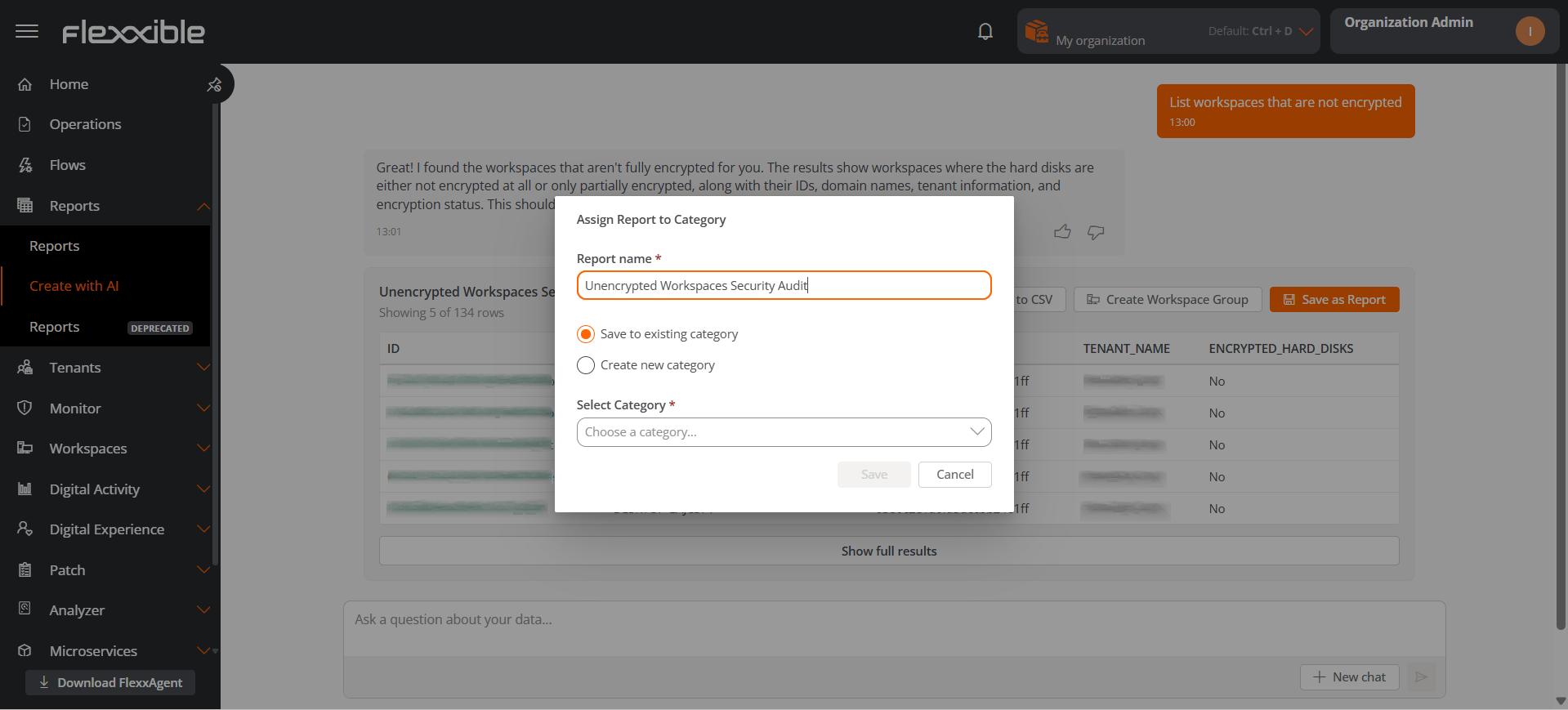
Clicking Save the result opens a pop-up window:- Report name. The system proposes a name for the report you just created, though you can assign any name you consider appropriate.
- Save in existing category. Lets you assign it to one of the existing categories. You can change the category from the Edit option in the Reports section.
- Create new category. Lets you create a new category. Categories can be configured from the Organization section.
Available actions on the result
Rate
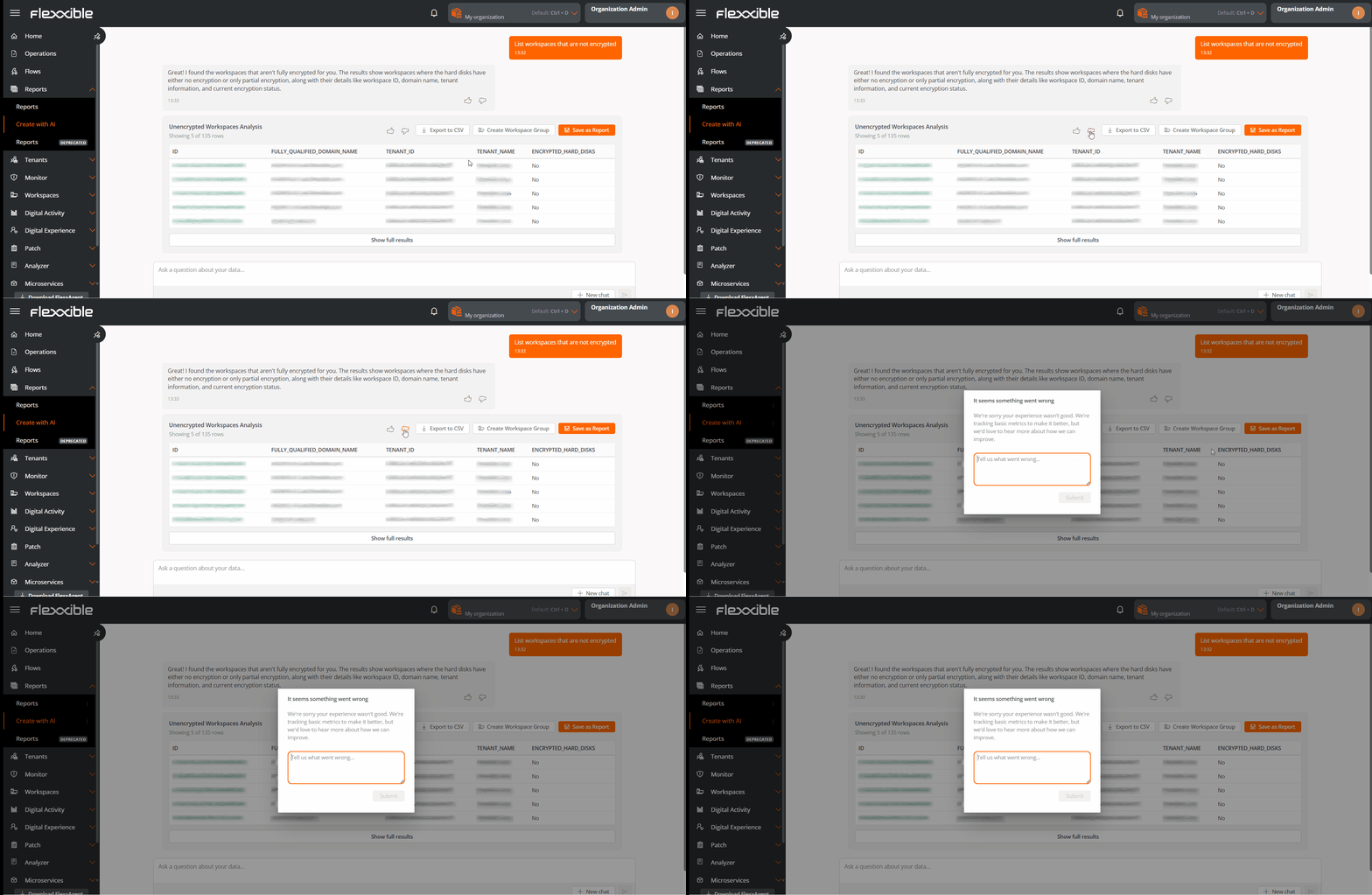
Optionally, you can rate the usefulness of the result using the thumb icons, both in the chat and in the results table.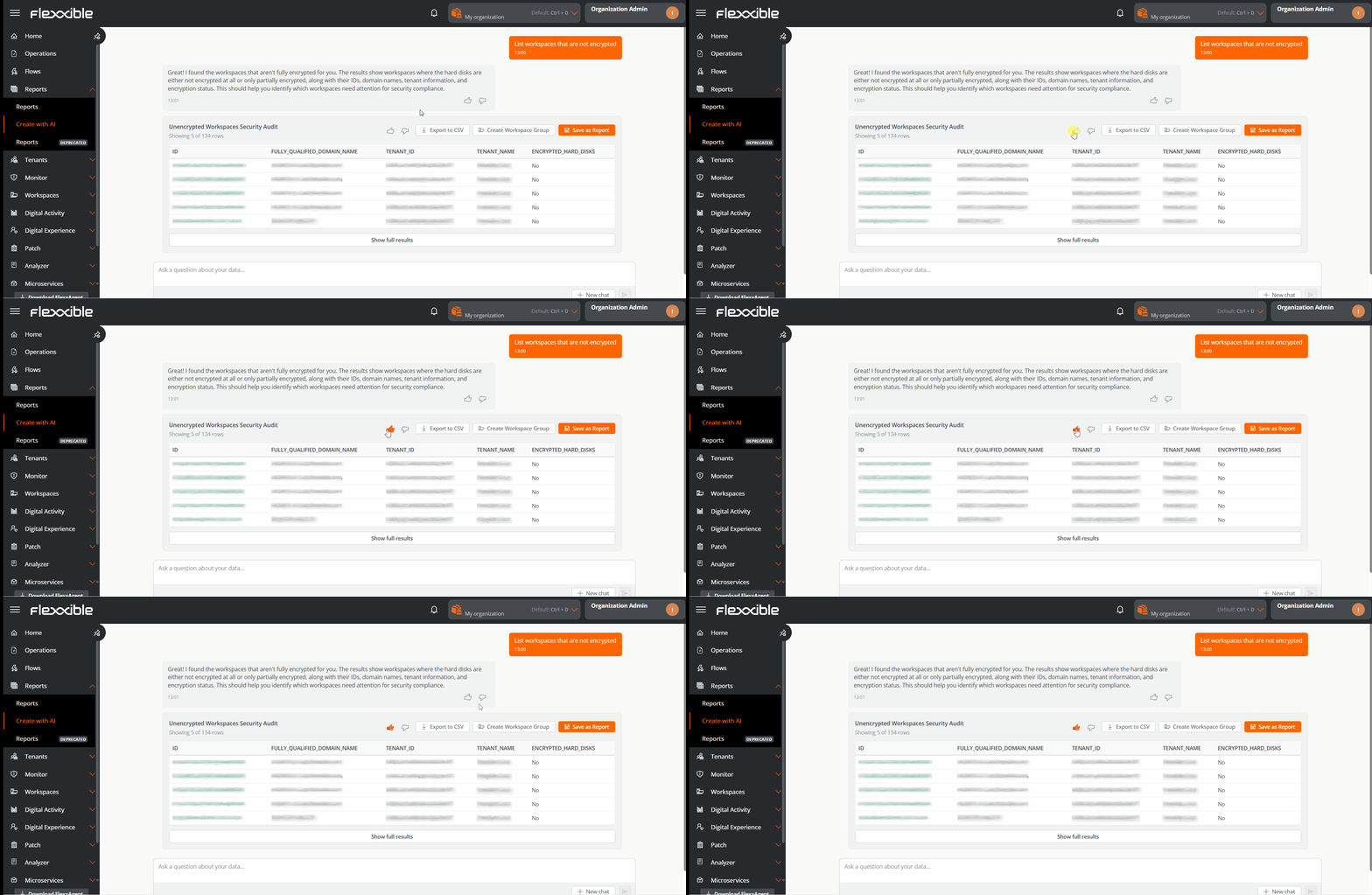
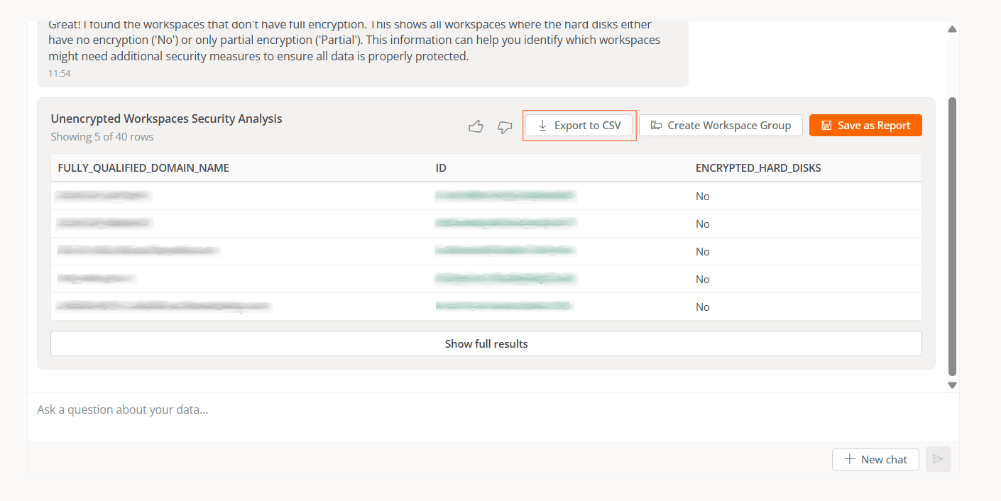
Export to CSV
Lets you download the results in.csv format.
Create a workspace group
This button is visible only when the report’s content includes devices. Lets you create a workspace group from the devices that meet the report’s criteria. You can generate a group from any result in the conversation history.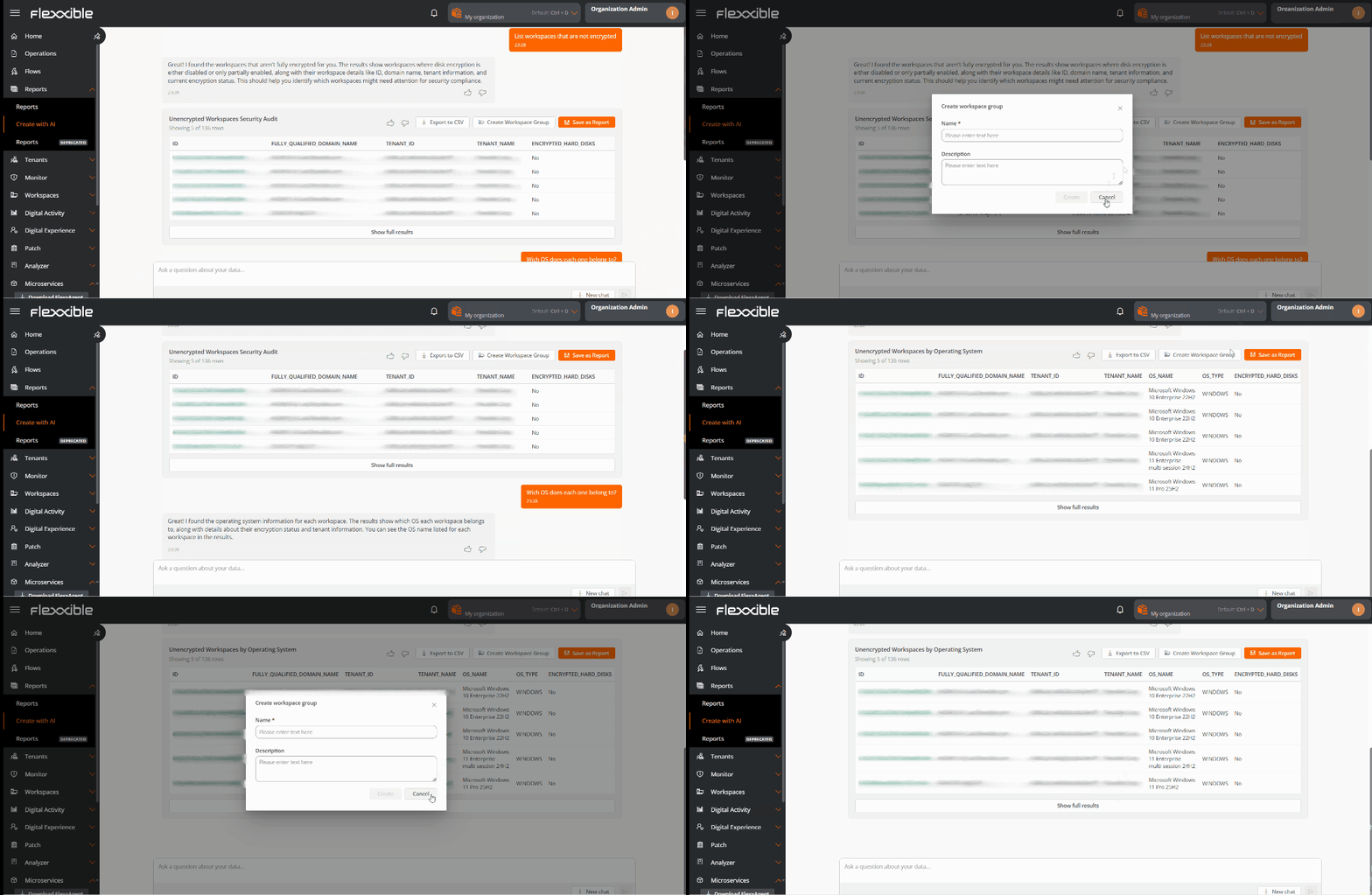
Improve or start a new query
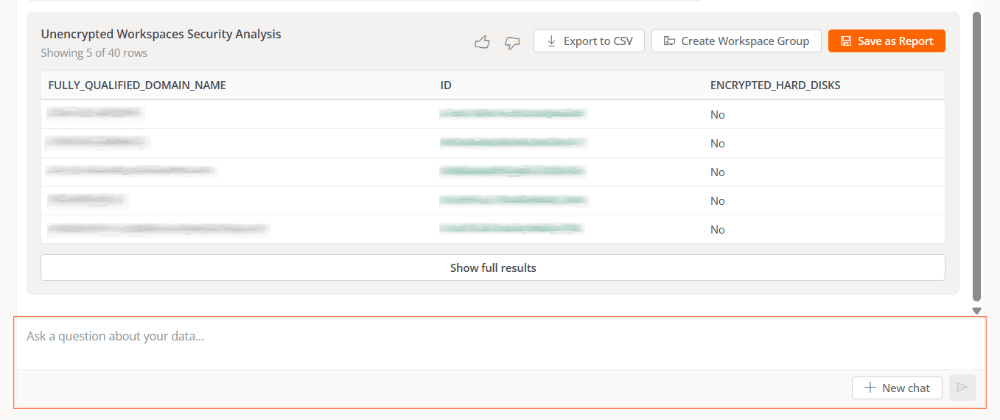
If the result is not what you expected, you can:- Refine the query while keeping the context using Ask a question about your data.
- Start a new independent query through New chat.
Requests
Requests can be formulated with different levels of detail, from very specific queries to general requests. In all cases, the AI analyzes the context, identifies the relevant criteria, and returns structured results based on the available data. This approach makes it easy for both users with advanced technical knowledge and those who are unclear about what information they need initially to use it.Examples
In the examples above:
- The specialized user’s request produces a very specific report oriented toward advanced analysis.
- In the non-specialized user’s request, the AI was able to decipher what was asked. Here, the report can be used as a starting point for more specific studies and even for learning to diagnose, knowing what to look at, and being able to correlate events.
Queries from the search bar
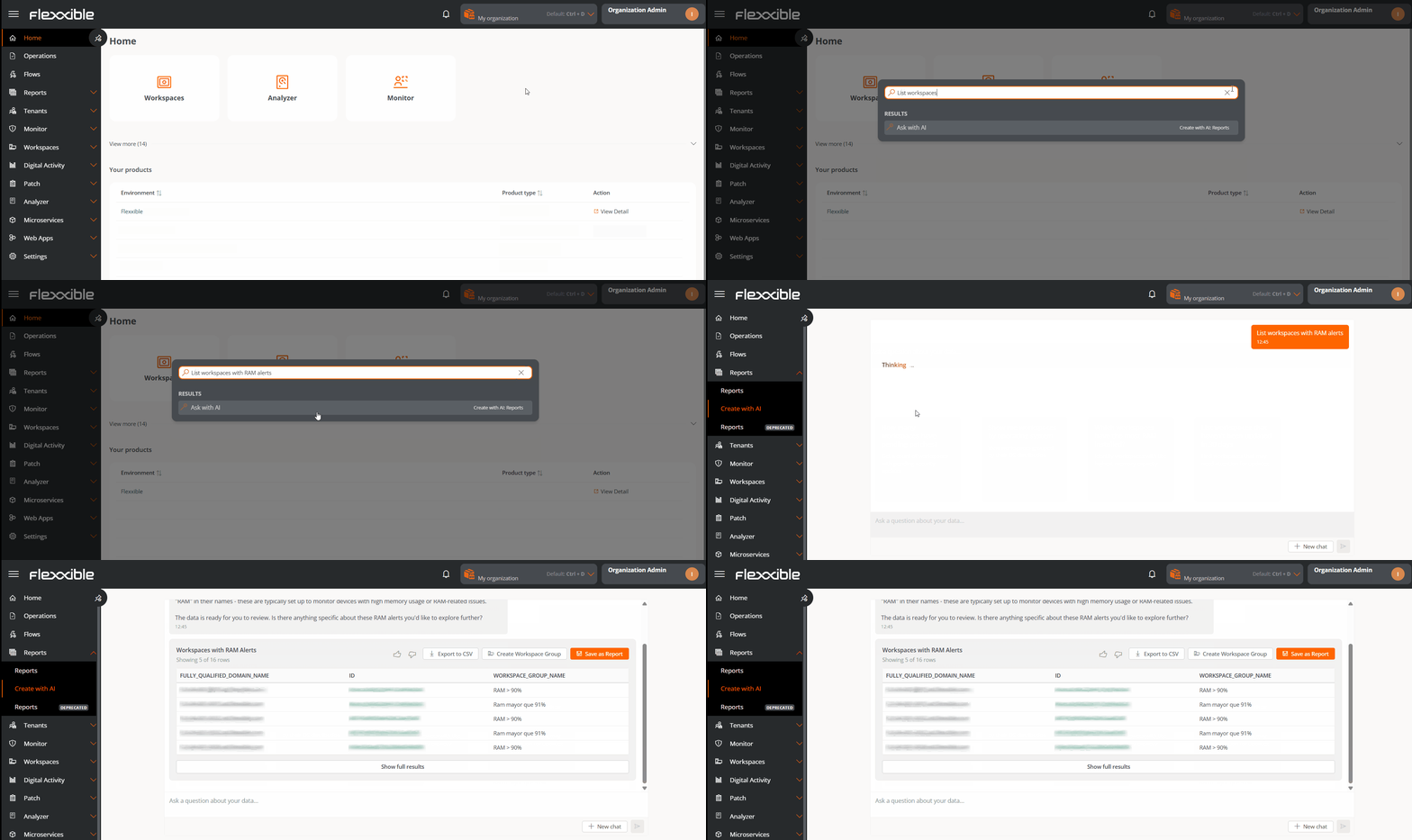
You can also send requests to the AI directly from the platform’s search bar, without needing to navigate to the Reports section. To make the query:- Press
Ctrl + Kfrom any section of the platform. - Type the request in natural language.
- Click Ask with AI.